
Hoopsalytics Tour
Explore all the amazing coaching tools and insights Hoopsalytics has to offer.
Quick Video Clipping
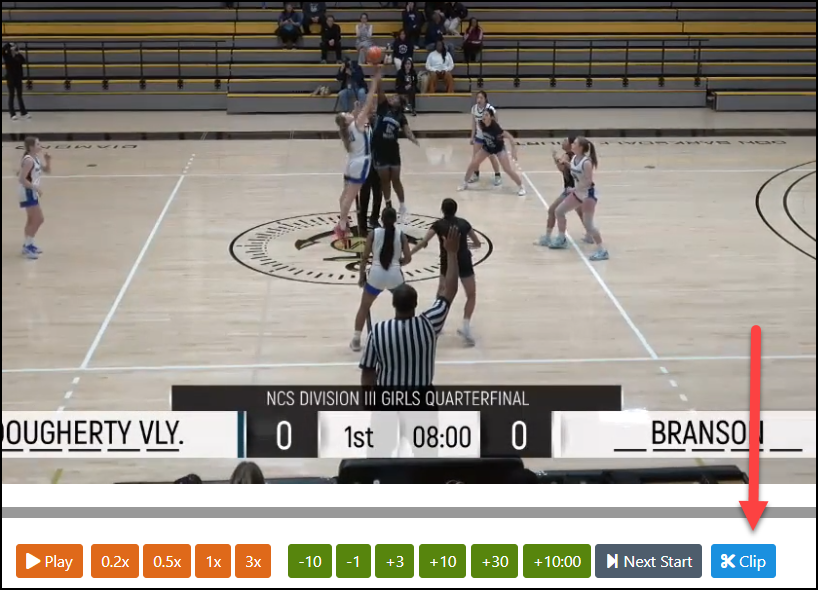
Example — click to expand.
Making clips while watching game video couldn't be easier. Whenever you see something worth saving, just hit the Clip button in the video player, and a clip is created at the current video time with a single click.
Once you've made a clip, you can add a description, an emoticon, and a category, then add it to any of your film sessions — or even to your playbook as a real-game example.
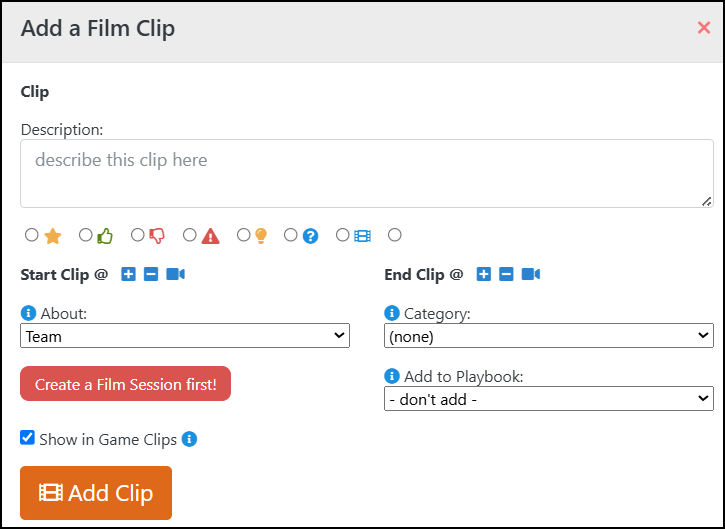
Quick clipping works on any game Hoopsalytics has analyzed and broken down, as well as on videos you've uploaded yourself as "self-score".
Quick Video Clipping - Summary
- Create a clip at the current video time with a single click of the Clip button.
- Add a description, emoticon and category to any clip.
- Add clips to your existing film sessions for game review.
- Add clips to your playbook as live, in-game examples.
- Works with games Hoopsalytics has analyzed and broken down.
- Also works with videos you've uploaded as "self-score".